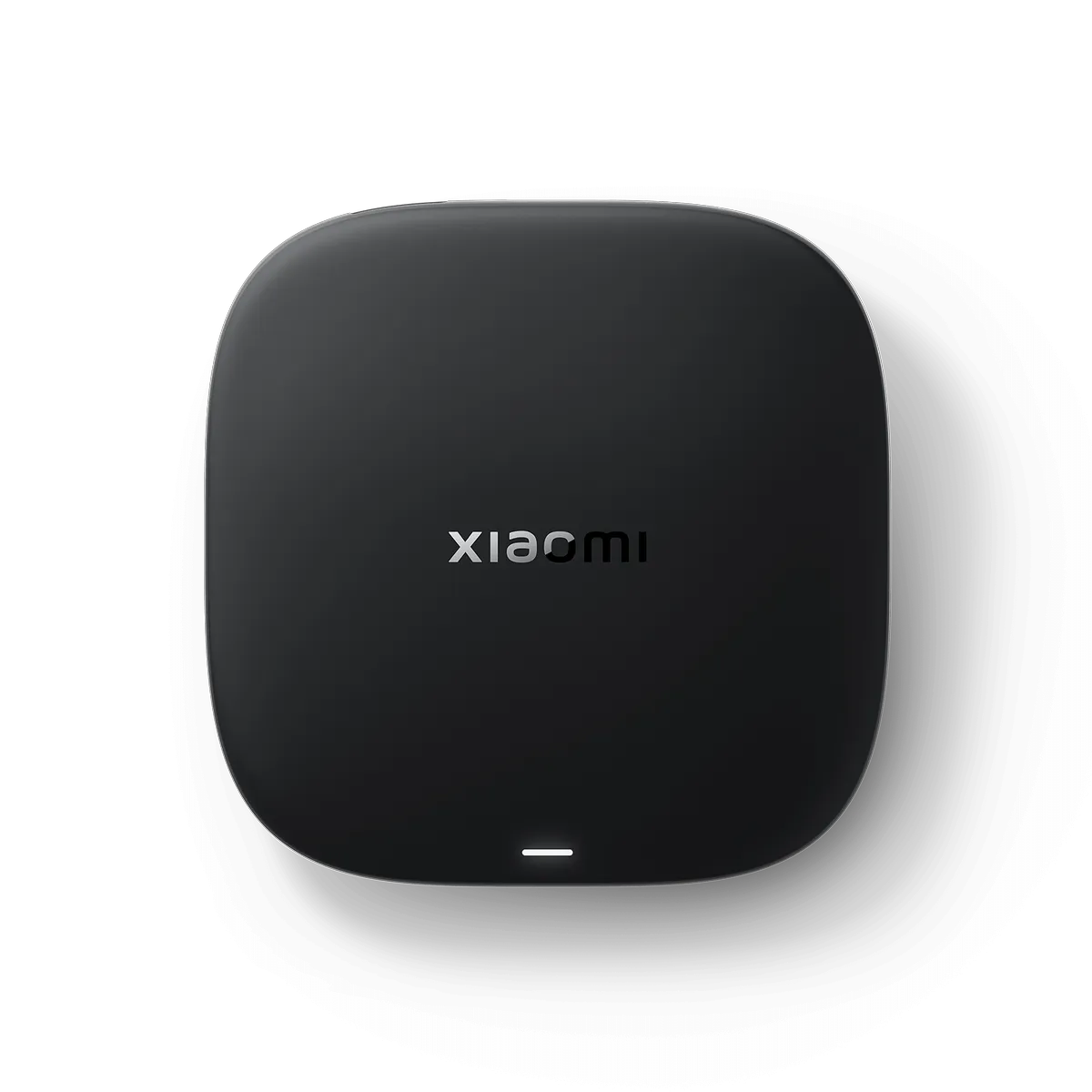
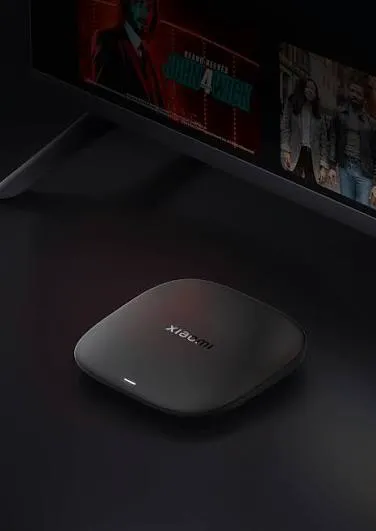
Xiaomi TV Box S (3rd Gen) 4K
Description
📺 Xiaomi TV Box S (3rd Gen) 4K
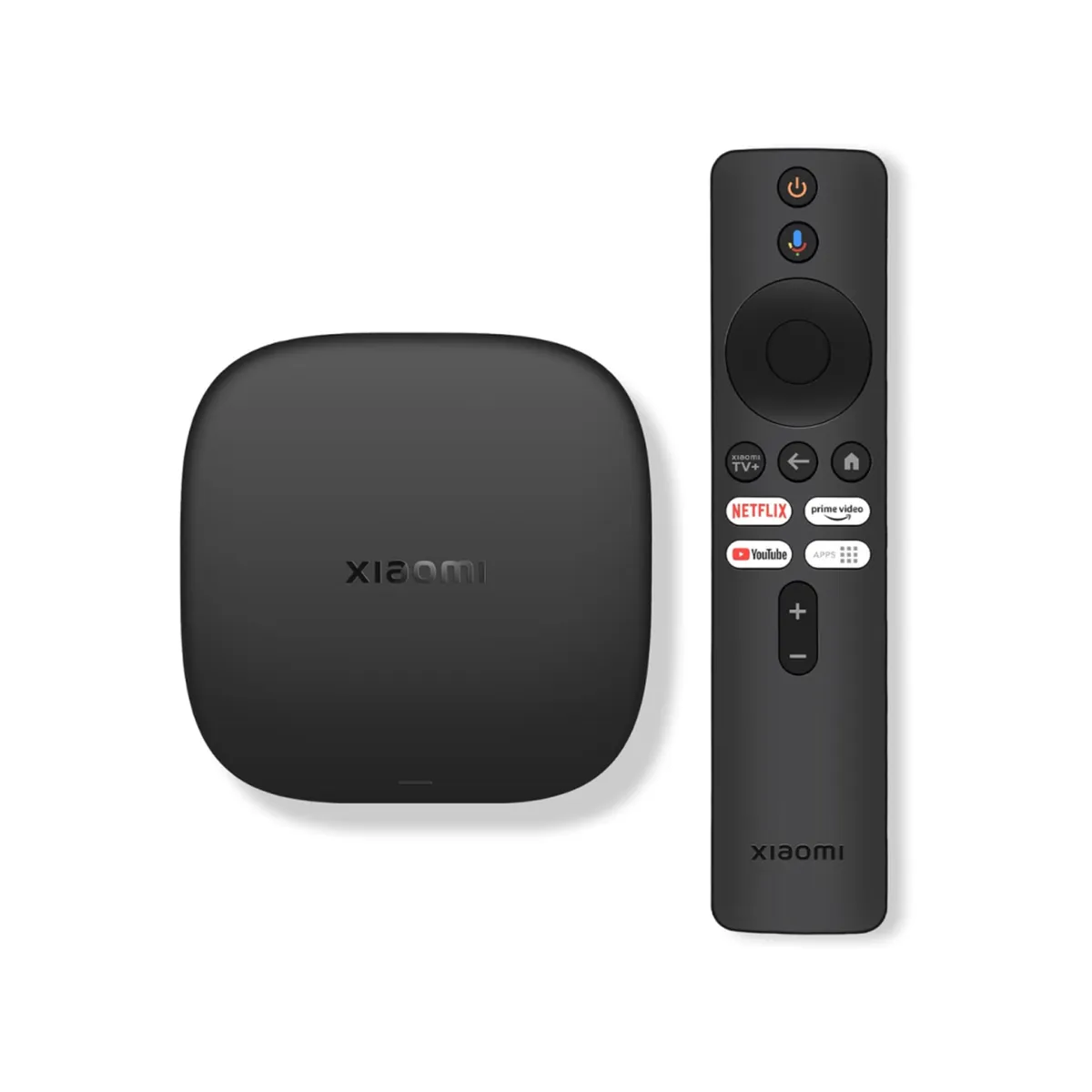
The Xiaomi TV Box S (3rd Gen) is a compact 4K streaming box that turns a TV with an HDMI port into a full Google TV entertainment system. It supports 4K HDR video, Dolby Vision, Dolby Audio and DTS:X, with built-in Google Cast for streaming content from compatible phones and tablets.
🔑 Key Features
🎬 4K Ultra HD — Supports up to 3840 × 2160 at 60fps for sharp and detailed video.
🌈 Dolby Vision + HDR10+ — Provides enhanced contrast, brightness and colour detail with compatible content.
🔊 Dolby Audio + DTS:X — Supports immersive, high-quality surround sound.
⚡ 6nm Quad-Core Processor — 64-bit quad-core processor up to 2.5GHz with ARM G310 V2 graphics.
📺 Google TV — Access streaming services, apps and personalised content recommendations.
📱 Google Cast Built-In — Cast compatible content directly from your smartphone or tablet.
📶 Wi-Fi 6 — Faster and more efficient wireless connectivity on compatible networks.
🎙️ Bluetooth Voice Remote — Bluetooth remote with voice control for easier navigation.
📊 Specifications
Specification | Xiaomi TV Box S (3rd Gen) |
|---|---|
Output Resolution | 4K UHD (3840 × 2160) |
Video Playback | Up to 4K @ 60fps |
Processor | Quad-Core, up to 2.5GHz |
CPU | 64-bit ARM Cortex-A55 |
GPU | ARM G310 V2 |
RAM | 2GB |
Storage | 32GB |
Operating System | Google TV |
HDR | Dolby Vision + HDR10+ |
Audio | Dolby Audio + DTS:X |
Wi-Fi | Wi-Fi 6, 2.4GHz / 5GHz |
Bluetooth | 5.2 |
HDMI | HDMI 2.1 |
USB | USB 2.0 |
Google Cast | Yes |
Voice Control | Google Assistant |
Dimensions | 97 × 97 × 17mm |
Weight | 91.2g |
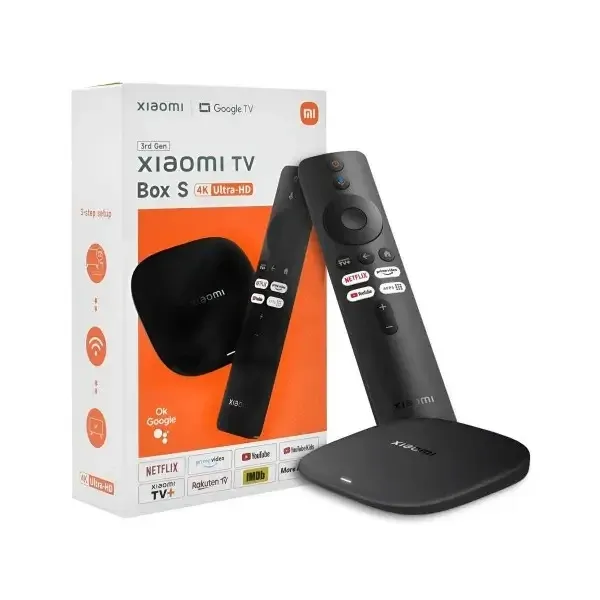
📦 What’s in the Box
Xiaomi TV Box S (3rd Gen)
Bluetooth Voice Remote
Power Adapter
HDMI Cable
User Manual
✅ Best For
Netflix & Streaming • YouTube • 4K TVs • Movies & Series • Google TV Apps • Casting From Phone • Upgrading a Regular TV to Smart TV

Description
📺 Xiaomi TV Box S (3rd Gen) 4K
The Xiaomi TV Box S (3rd Gen) is a compact 4K streaming box that turns a TV with an HDMI port into a full Google TV entertainment system. It supports 4K HDR video, Dolby Vision, Dolby Audio and DTS:X, with built-in Google Cast for streaming content from compatible phones and tablets.
🔑 Key Features
🎬 4K Ultra HD — Supports up to 3840 × 2160 at 60fps for sharp and detailed video.
🌈 Dolby Vision + HDR10+ — Provides enhanced contrast, brightness and colour detail with compatible content.
🔊 Dolby Audio + DTS:X — Supports immersive, high-quality surround sound.
⚡ 6nm Quad-Core Processor — 64-bit quad-core processor up to 2.5GHz with ARM G310 V2 graphics.
📺 Google TV — Access streaming services, apps and personalised content recommendations.
📱 Google Cast Built-In — Cast compatible content directly from your smartphone or tablet.
📶 Wi-Fi 6 — Faster and more efficient wireless connectivity on compatible networks.
🎙️ Bluetooth Voice Remote — Bluetooth remote with voice control for easier navigation.
📊 Specifications
Specification | Xiaomi TV Box S (3rd Gen) |
|---|---|
Output Resolution | 4K UHD (3840 × 2160) |
Video Playback | Up to 4K @ 60fps |
Processor | Quad-Core, up to 2.5GHz |
CPU | 64-bit ARM Cortex-A55 |
GPU | ARM G310 V2 |
RAM | 2GB |
Storage | 32GB |
Operating System | Google TV |
HDR | Dolby Vision + HDR10+ |
Audio | Dolby Audio + DTS:X |
Wi-Fi | Wi-Fi 6, 2.4GHz / 5GHz |
Bluetooth | 5.2 |
HDMI | HDMI 2.1 |
USB | USB 2.0 |
Google Cast | Yes |
Voice Control | Google Assistant |
Dimensions | 97 × 97 × 17mm |
Weight | 91.2g |
📦 What’s in the Box
Xiaomi TV Box S (3rd Gen)
Bluetooth Voice Remote
Power Adapter
HDMI Cable
User Manual
✅ Best For
Netflix & Streaming • YouTube • 4K TVs • Movies & Series • Google TV Apps • Casting From Phone • Upgrading a Regular TV to Smart TV
Reviews
Sign in to leave a review